



You just got new brand photos. You’ve sent them off to your web designer and your social media manager. But do you know how else you can use your brand photos? In your email marketing. Using your brand photos in your email to your clients, customers, leads, and subscribers can help fortify that connection.
As a brand photographer, one of the ways to use your brand photos that often gets overlooked is in email marketing! Seems obvious, but you’d be surprised that people miss it.
Why Brand Photos Matter in Emails
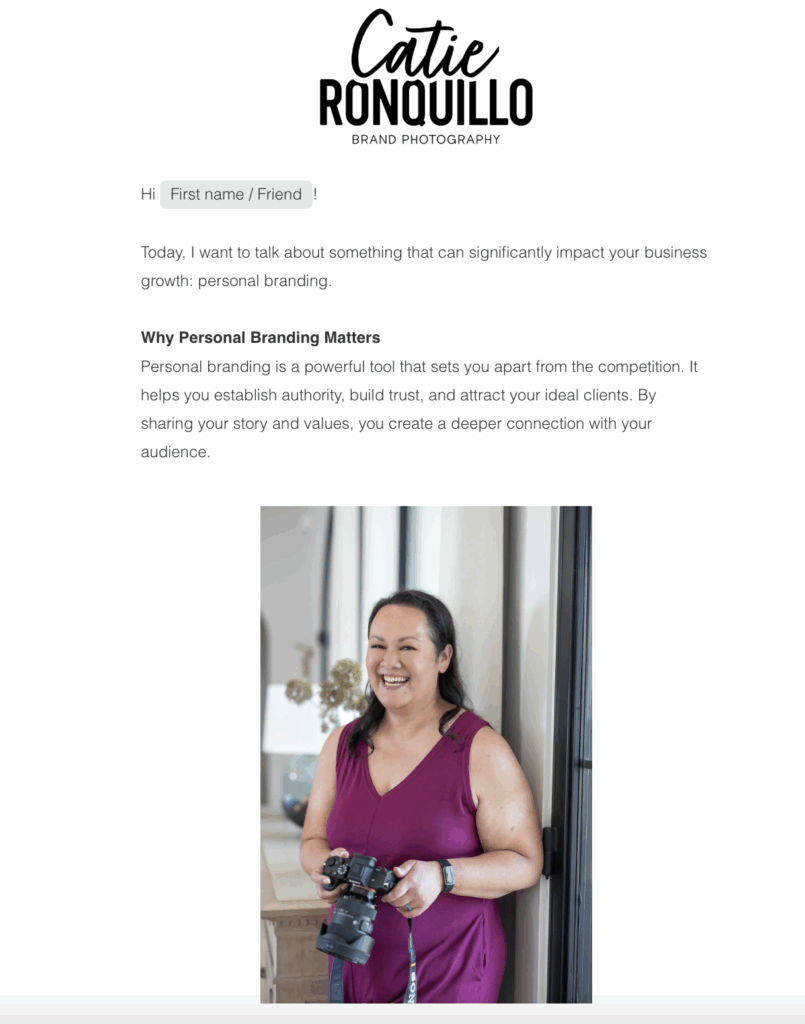
Have you ever posted on social media and noticed that whenever it’s a post with a photo of YOU, the post does exponentially better than a post with information alone? It’s because people connect with faces and real moments more than just words and graphics. Research even shows that emails with photos of people get more engagement.
As an added bonus, when you use your brand photos in your email marketing, you can maintain brand cohesion across your platforms. It’s said that it takes seven touch points for someone to remember your business or brand and so this is a great way to add to that.
Best Practices for Using Brand Photos in Emails
- Balance text and images: Aim for about 20% images and 80% text to avoid inbox filters and improve deliverability.
- Optimize image size & format: Hero images max-width at ~600px; JPG preferred for photos; PNG for logo/text overlays.
- Accessibility considerations: Always add alt text to images in case they’re blocked.
- Keep email design clean: Use white space, readable fonts, and avoid clutter.
7 Smart Ways to Use Brand Photos in Your Emails
Feature a warm headshot to introduce yourself and set the tone right away.
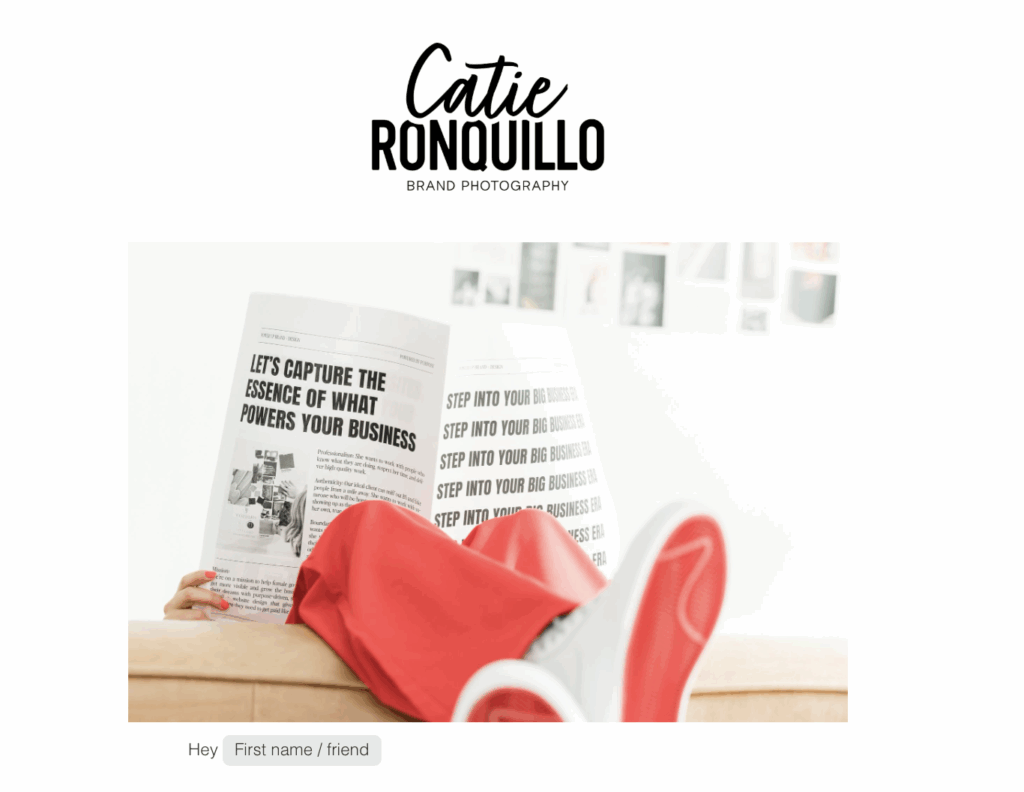
Use lifestyle or candid brand photos to break up text and maintain visual alignment.
Promote your blog content with a personalized image for better branding and engagement.
Use dynamic images of you in action to build anticipation and create excitement.
Add a small, polished headshot in your signature to make your emails feel more personal.
Create connection by sharing process images, sneak peeks, or candid moments.
Combine client quotes with imagery to humanize testimonials and reinforce trust.
Avoid These Common Pitfalls
When it comes to email marketing, you want to have a good mix of images and text. Sometimes too many images can affect deliverability, so I recommend keeping it to one photo for every two paragraphs of text.
Whenever I deliver photos, you’ll be able to download them in full resolution and web-sized resolution. For email marketing, you’ll definitely want to use web-sized resolution for fastest loading speed.
Design Tips that Elevate Your Brand Presence
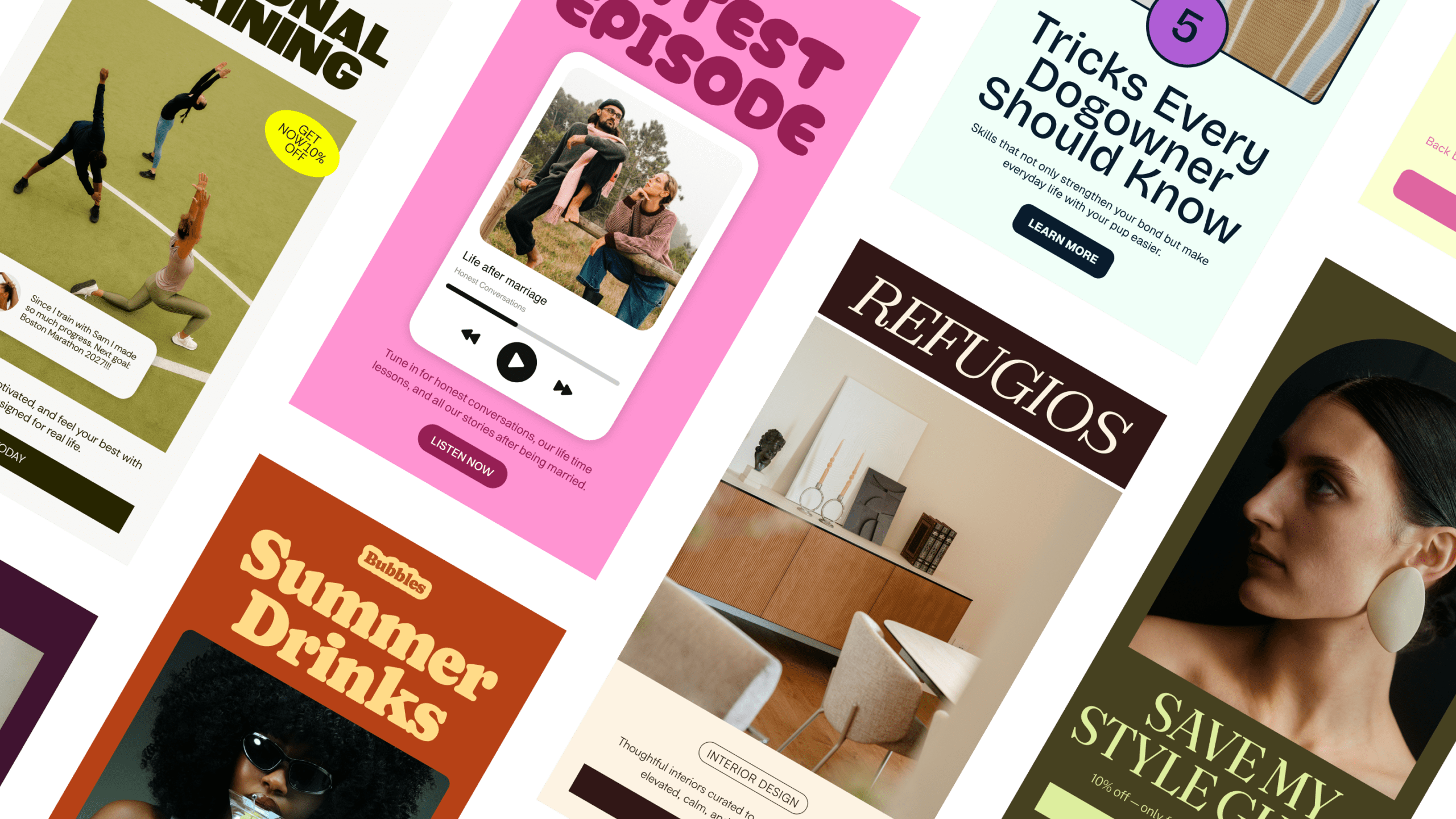
I love my email marketing platform Flodesk because it was built to help creatives delivery beautiful emails. If you’re on an email list, then you’ve probably noticed that some people send text only email, some with images, and some are just plain ugly for various reasons.
Well, with Flodesk, that problem is solved. They have a number of templates that you can use or you can start from scratch. But they make it so easy and seamless to create an email newsletter that is beautiful and gets delivered to inboxes.
I love that you can setup your brand colors and fonts in the preferences so they are easily accessible whenever you’re putting a newsletter together. And this enables you to maintain brand consistency across your marketing channels.
Ready to Make Your Email Marketing Shine?
If you’re thinking, “I’d love to send emails that connect with my leads and clients…but don’t have any photos to use!” Let’s fix that and get your brand session on the books. Schedule a discovery call here and see if we’re a match!
Don’t have an email marketing provider yet? Be sure to check out Flodesk! Flodesk is the service that I use and it was built to help you deliver beautiful emails. Use my link to see if it’s a fit for your business and start using your brand photos in your email marketing today!






Comments +